
Http Service
As we are leveraging the microservice architecture, the web application meant to serve others requests and also request other services as well.
With that in mind, zero framework has built-in solution to register and communicate to external services as they do like database calls.
What is supported?
- Inter service http calls (GET,POST,PATCH,DELETE)
- Log and trace all outgoing calls
- Health checks
Usage
zero comes with handy addHttpService method to register a http client and registered client will be available through context
Prefer to use the unique service names to distinguish clients in the zero app life-time.
zig
app.addHttpService("service-name", "http://service-base-url");

// if you prefer to load the URL from configs
app.addHttpService("service-name", app.config.Get("SERVICE_URL"));
Example
- Refer following
zero-service-clientexample further to know more on getting started of this.
zig
const std = @import("std");
const zero = @import("zero");

const App = zero.App;
const Context = zero.Context;
const utils = zero.utils;
const ClientError = zero.Error.ClientError;

pub const std_options: std.Options = .{
    .logFn = zero.logger.custom,
};

pub const publicKey = struct {
    kid: []const u8,
    kty: []const u8,
    use: []const u8,
    n: []const u8,
    e: []const u8,
    alg: []const u8,
};

pub const publicKeys = struct {
    keys: []publicKey,
};

pub fn main() !void {
    var arean = std.heap.ArenaAllocator.init(std.heap.page_allocator);
    defer arean.deinit();

    const allocator = arean.allocator();

    const app = try App.new(allocator);

    try app.addHttpService("auth-service", app.config.Get("SERVICE_URL"));

    try app.get("/status", serviceStatus);

    try app.run();
}

fn serviceStatus(ctx: *Context) !void {
    const service = ctx.getService("auth-service");

    if (service) |authSvc| {
        const response = try authSvc.Get(ctx, publicKeys, "/keys", null, null);
        try ctx.json(response);
    }
}
bash
APP_ENV=dev
APP_NAME=service-client
APP_VERSION=1.0.0
LOG_LEVEL=info

HTTP_PORT=9090
SERVICE_URL="http://localhost:8080"- Boom! lets build and run our app.
bash
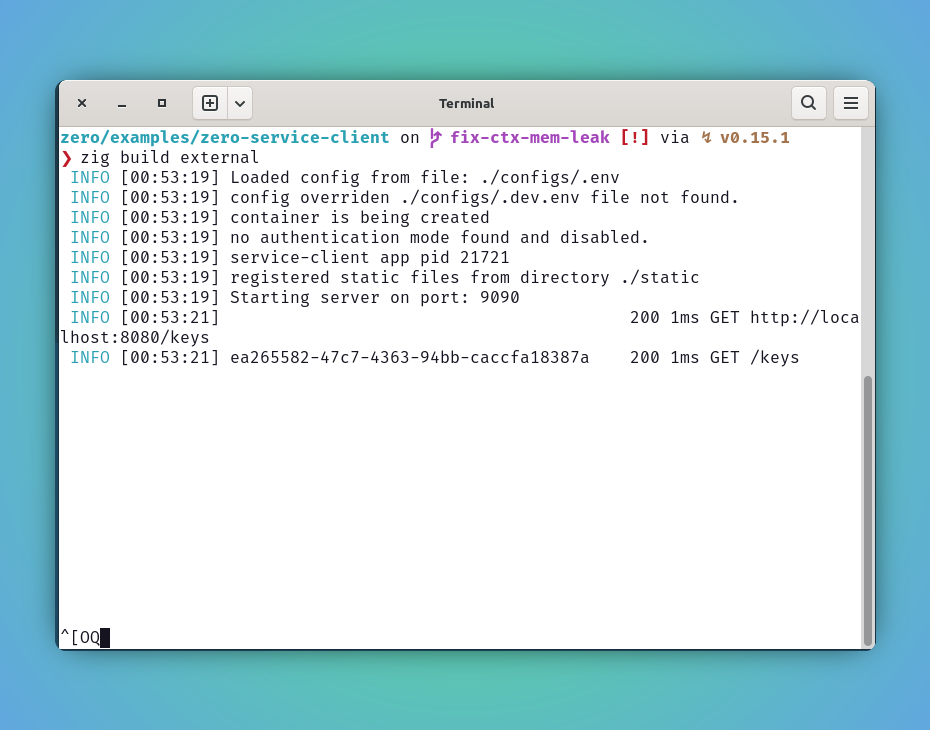
❯ zig build external
 INFO [00:53:19] Loaded config from file: ./configs/.env
 INFO [00:53:19] config overriden ./configs/.dev.env file not found.
 INFO [00:53:19] container is being created
 INFO [00:53:19] no authentication mode found and disabled.
 INFO [00:53:19] service-client app pid 21721
 INFO [00:53:19] registered static files from directory ./static
 INFO [00:53:19] Starting server on port: 9090
 INFO [00:53:21]                                     	 200 1ms GET http://localhost:8080/keys
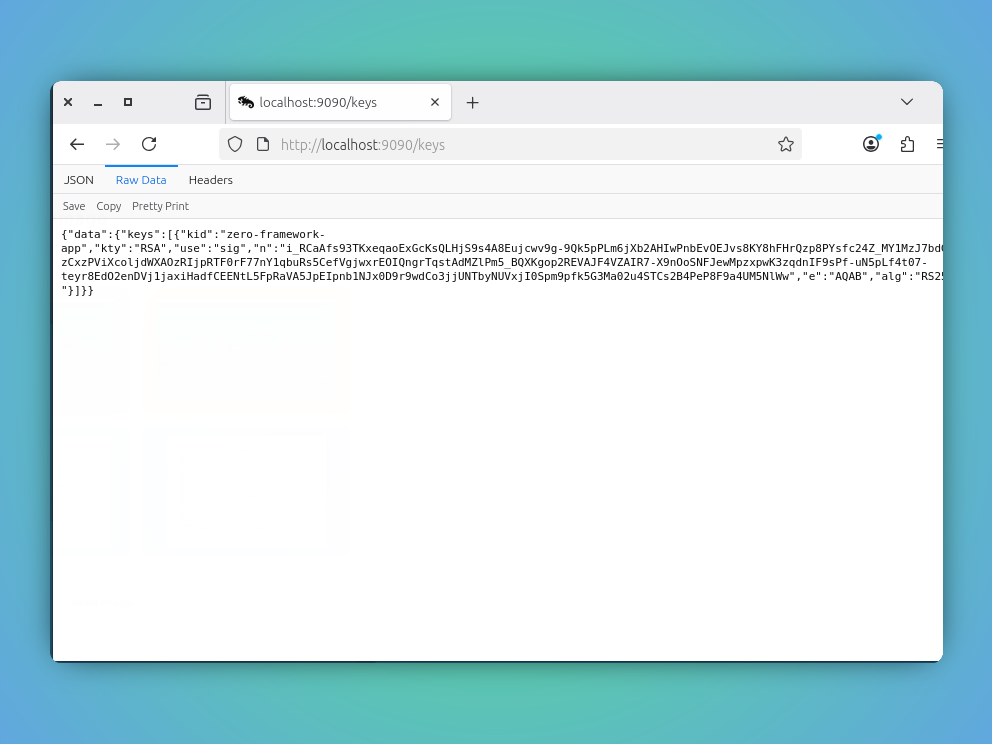
INFO [00:53:21] ea265582-47c7-4363-94bb-caccfa18387a 200 1ms GET /keys- Preview server status and capture
auth-servicepublic keys.
Assuming you are already running zero-basic app on http port 8080 to serve us the request
Limitations 🚨
🚩 We encounter memory leaks when we try to access the external service URL with https and compression enabled. There is a work in progress to get this mitigated.