
MQTT Publisher
This guide shows how to publish to a topic using the built-in MQ client in zero.
- See the
zero-mqtt-publisherexample below to get started.
Create the following mosquitto.conf file to start our MQTT server:
bash
❯ mkdir -p config
❯ touch config/mosquitto.conf
❯ more config/mosquitto.conf
allow_anonymous true
listener 1883 0.0.0.0
socket_domain ipv4
persistence true
persistence_file mosquitto.db
persistence_location /mosquitto/data/
Pull and run the container with podman or docker.
❯ podman pull docker.io/library/eclipse-mosquitto
❯ podman run -it -d --name mqtt -p1883:1883 -v "$PWD/config:/mosquitto/config" eclipse-mosquittozig
const std = @import("std");
const zero = @import("zero");

const Allocator = std.mem.Allocator;
const App = zero.App;
const Context = zero.Context;
const utils = zero.utils;

pub const std_options: std.Options = .{
    .logFn = zero.logger.custom,
};

const pubSubTopic = "zero";

pub fn main(init: std.process.Init) !void {
    var arena_instance = std.heap.ArenaAllocator.init(std.heap.page_allocator);
    defer arena_instance.deinit();

    const allocator: Allocator = arena_instance.allocator();

    const app: *App = try App.new(allocator, init.io, init.environ_map);

    try app.addCronJob("0 * * * * *", "publisher-1", publishTask1);

    try app.addCronJob("*/30 * * * * *", "publisher-2", publishTask2);

    try app.run();
}

fn publishTask1(ctx: *Context) !void {
    const timestamp = try utils.sqlTimestampz(ctx.allocator);
    const id = try ctx.MQ.Publish("zero", "publisher 1 says hello!");

    if (id) |_id| {
        var buffer: []u8 = undefined;
        buffer = try ctx.allocator.alloc(u8, 100);
        buffer = try std.fmt.bufPrint(buffer, "Message {d} published", .{_id});
        defer ctx.allocator.free(buffer);

        ctx.info(timestamp);
    }
}

fn publishTask2(ctx: *Context) !void {
    const timestamp = try utils.sqlTimestampz(ctx.allocator);
    const id = try ctx.MQ.Publish("zero", "publisher 2 says hi!");

    if (id) |_id| {
        var buffer: []u8 = undefined;
        buffer = try ctx.allocator.alloc(u8, 100);
        buffer = try std.fmt.bufPrint(buffer, "Message {d} published", .{_id});
        defer ctx.allocator.free(buffer);

        ctx.info(timestamp);
    }
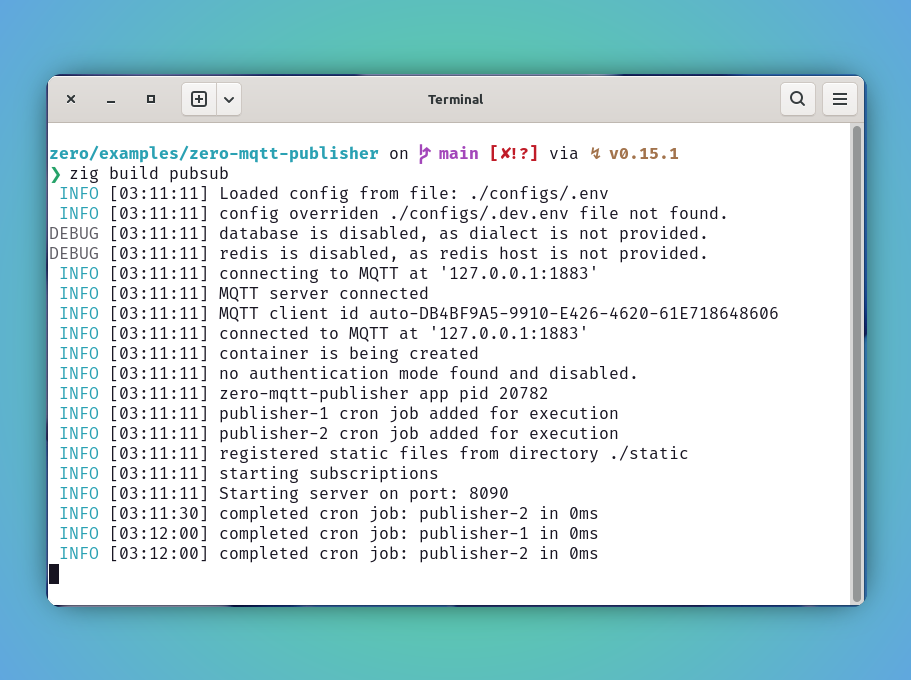
}- Let's build and run the app.
bash
zero/examples/zero-mqtt-publisher on main [✘!?] via ↯ v0.15.1
❯ zig build pubsub
INFO [03:11:11] Loaded config from file: ./configs/.env
INFO [03:11:11] config overriden ./configs/.dev.env file not found.
DEBUG [03:11:11] database is disabled, as dialect is not provided.
DEBUG [03:11:11] redis is disabled, as redis host is not provided.
INFO [03:11:11] connecting to MQTT at '127.0.0.1:1883'
INFO [03:11:11] MQTT server connected
INFO [03:11:11] MQTT client id auto-DB4BF9A5-9910-E426-4620-61E718648606
INFO [03:11:11] connected to MQTT at '127.0.0.1:1883'
INFO [03:11:11] container is being created
INFO [03:11:11] no authentication mode found and disabled.
INFO [03:11:11] zero-mqtt-publisher app pid 20782
INFO [03:11:11] publisher-1 cron job added for execution
INFO [03:11:11] publisher-2 cron job added for execution
INFO [03:11:11] registered static files from directory ./static
INFO [03:11:11] starting subscriptions
INFO [03:11:11] Starting server on port: 8090
INFO [03:11:30] completed cron job: publisher-2 in 0ms
INFO [03:12:00] completed cron job: publisher-1 in 0ms
INFO [03:12:00] completed cron job: publisher-2 in 0ms- Preview the server status and the published messages.
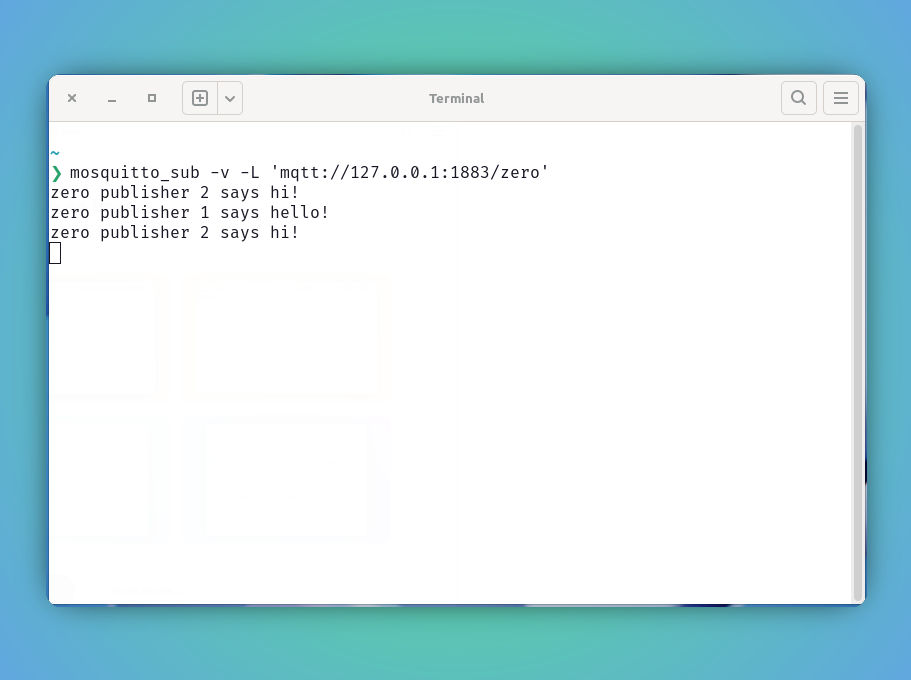
In the next demo we'll replace the mosquitto_client with a zero subscriber that listens to the topic and captures the events.
Recommendation
It is highly recommended to use the ctx allocator whenever possible. It is tied to the request life-cycle, so de-allocation is handled automatically and you avoid memory leaks.