
MQTT Subscriber
This document continues the Publisher guide to show the subscriber demo. Read that first.
The MQ client is added to the container automatically once the required service configuration is present.
zig
ctx.MQ.publish("topic"); //publishes message to a topic on the subscribed client

app.addSubscription("topic", subscriber-handler); //listens for upcoming event and injects into subscriber handler for further actions.
Limitations
- Up to 32KB size of message supported by default.
- Subscribes to only one topic now, work in progress to make it available for multiple
topicswithout any change from app developers.
Example
This document shows how to subscribe to a topic using the zero built-in MQ client.
- See the
zero-mqtt-subscriberexample to get started.
zig
const std = @import("std");
const zero = @import("zero");

const App = zero.App;
const Context = zero.Context;
const utils = zero.utils;

pub const std_options: std.Options = .{
    .logFn = zero.logger.custom,
};

const pubSubTopic = "zero";

pub fn main(init: std.process.Init) !void {
    var arena_instance = std.heap.ArenaAllocator.init(std.heap.page_allocator);
    defer arena_instance.deinit();

    const allocator = arena_instance.allocator();

    const app = try App.new(allocator, init.io, init.environ_map);

    try app.addSubscription(pubSubTopic, subscribeTask);

    // prefer only one topic for now
    // second one will not be captured
    // try app.addSubscription("second", subscribeTask);

    try app.run();
}

const customMessage = struct {
    msg: []const u8 = undefined,
    topic: []const u8 = undefined,
};

fn subscribeTask(ctx: *Context) !void {
    const timestamp = try utils.sqlTimestampz(ctx.allocator);

    var m: customMessage = undefined;

    //transform ctx.message to custom type in packet read itself
    if (ctx.message) |message| {
        m = customMessage{};
        m.msg = message.payload.?;
        m.topic = message.topic;

        var buffer: []u8 = undefined;
        buffer = try ctx.allocator.alloc(u8, 1024);
        buffer = try std.fmt.bufPrint(buffer, "Received on [{s}] {s}", .{ m.topic, m.msg });
        defer ctx.allocator.free(buffer);

        ctx.log.info(timestamp);
        ctx.log.info(buffer);
    }
}- Build and run the app.
bash
zero/examples/zero-mqtt-subscriber on main [✘!?] via ↯ v0.15.1
❯ zig build pubsub
INFO [04:15:48] Loaded config from file: ./configs/.env
INFO [04:15:48] config overriden ./configs/.dev.env file not found.
DEBUG [04:15:48] database is disabled, as dialect is not provided.
DEBUG [04:15:48] redis is disabled, as redis host is not provided.
INFO [04:15:48] connecting to MQTT at '127.0.0.1:1883'
INFO [04:15:48] MQTT server connected
INFO [04:15:48] MQTT client id auto-A81E9F0C-BABF-707F-B87E-521075B1E3D9
INFO [04:15:48] connected to MQTT at '127.0.0.1:1883'
INFO [04:15:48] container is being created
INFO [04:15:48] no authentication mode found and disabled.
INFO [04:15:48] zero-mqtt-subscriber app pid 24069
INFO [04:15:48] topic:zero pubsub subscriber added
INFO [04:15:48] registered static files from directory ./static
INFO [04:15:48] starting subscriptions
INFO [04:15:48] Starting server on port: 8080
INFO [04:16:00] 2025-11-03T04:16:00
INFO [04:16:00] Received on [zero] publisher 1 says hello!
INFO [04:16:01] 2025-11-03T04:16:01
INFO [04:16:01] Received on [zero] publisher 2 says hi!
INFO [04:16:30] 2025-11-03T04:16:30
INFO [04:16:30] Received on [zero] publisher 2 says hi!
INFO [04:17:00] 2025-11-03T04:17:00
INFO [04:17:00] Received on [zero] publisher 1 says hello!
INFO [04:17:01] 2025-11-03T04:17:01
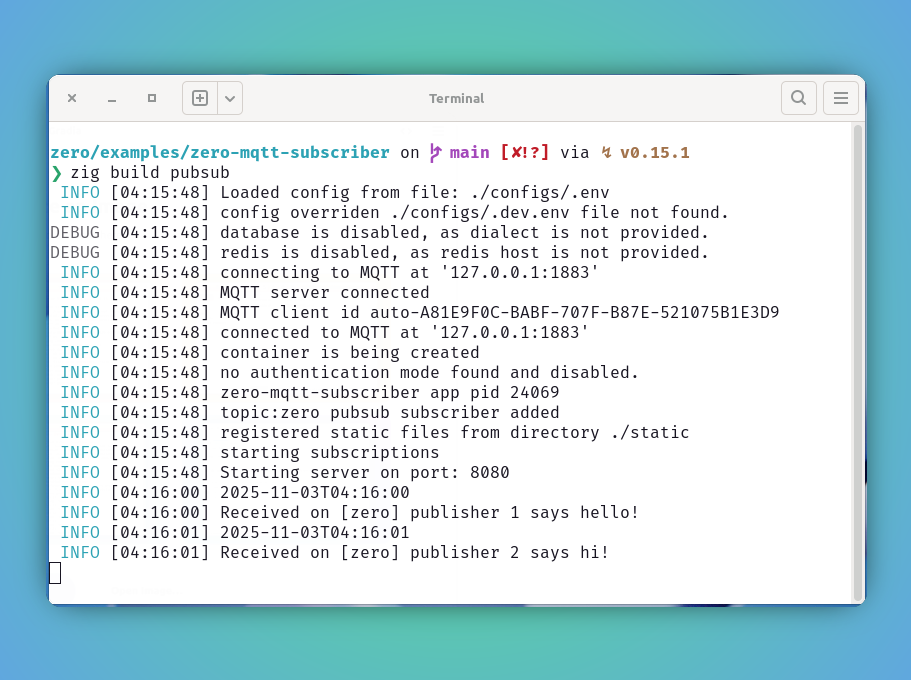
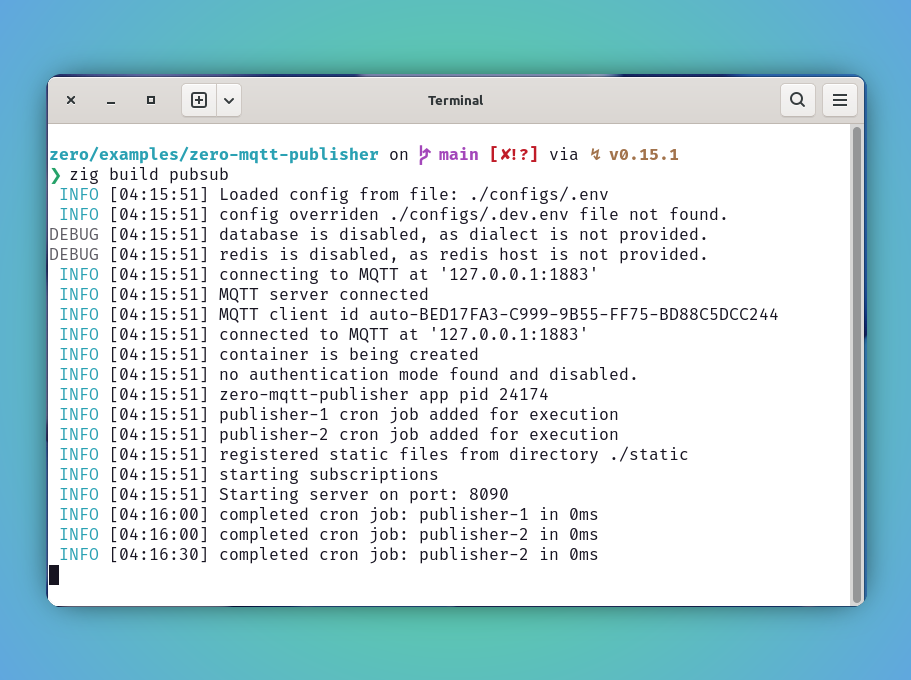
INFO [04:17:01] Received on [zero] publisher 2 says hi!- Preview the server status, subscription, and publish status.
Recommendation
It is highly recommended to use the ctx allocator whenever possible, since it is tied up with request life-cycle, the de-allocation will be managed automatically and making sure the memory leak is not happening.